
For creator agencies
One login for every client's shop.
Manage multiple creator stores from one login. Each creator gets their own shop on their own domain, and you switch between them in the dashboard or in one Claude chat.
7 days free, no card.
Five clients, five logins, five tabs
Each creator has their own shop, their own Instagram tool and their own payout setup. Your team spends the morning logging in and out instead of running launches.
How it works, in three steps
- 1 Open a shop for each creator Each one has its own domain, products, Instagram account, wallet and ID check.
- 2 Switch from one login Move between shops in the dashboard without signing out.
- 3 Run them from a chat In Claude or ChatGPT, list your shops and switch between them in one conversation. Ask it to build a page or add a lesson.
An example
Rachel, who manages five creators in London
Rachel's agency runs a shop for each of five fitness and food creators. Each shop pays for its own plan and 6% a sale, card fees included. Each creator gets their own payout on the 1st.
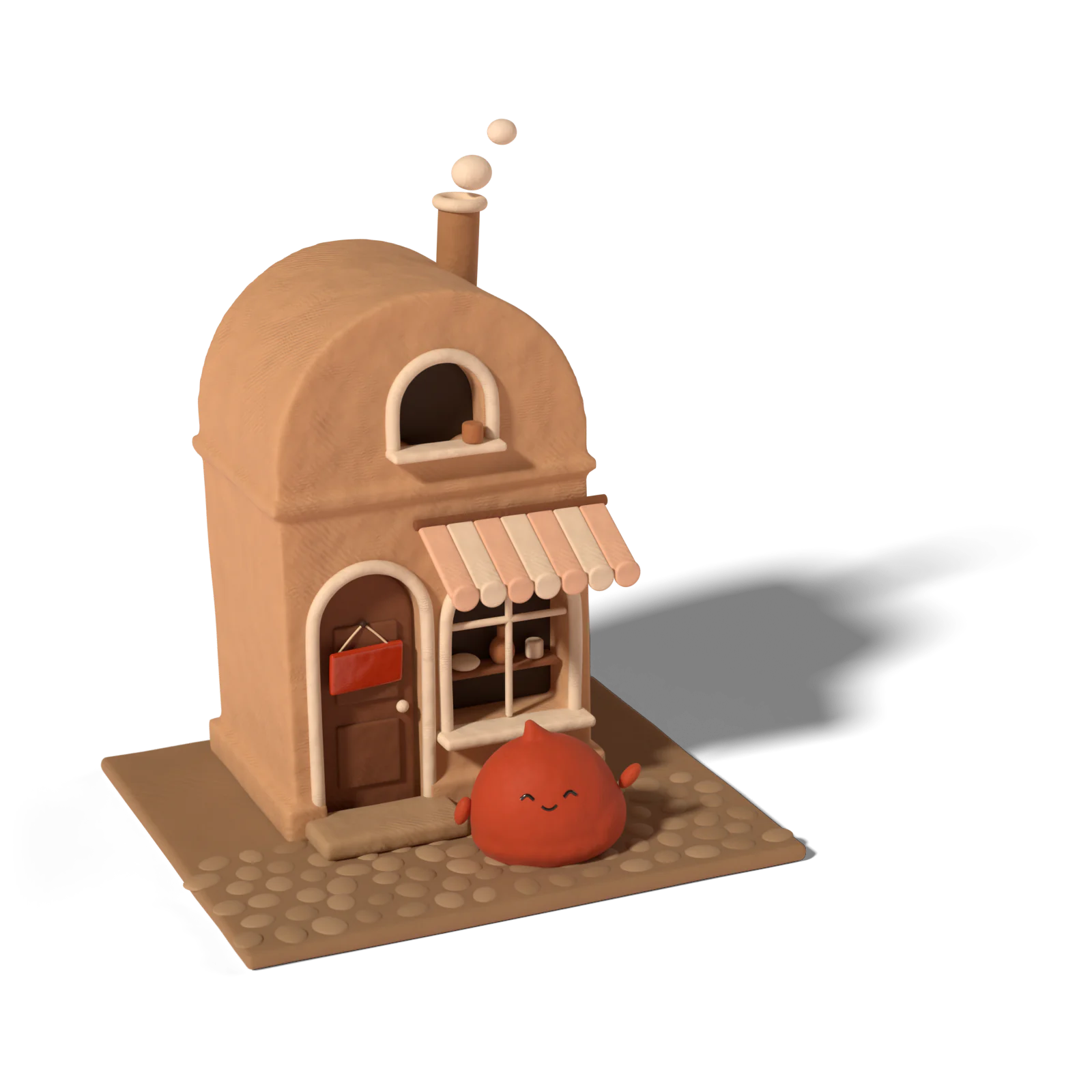
Rachel’s agency runs a separate shop for each creator, on each creator’s domain.
In one Claude chat she switches shops and updates a sales page.
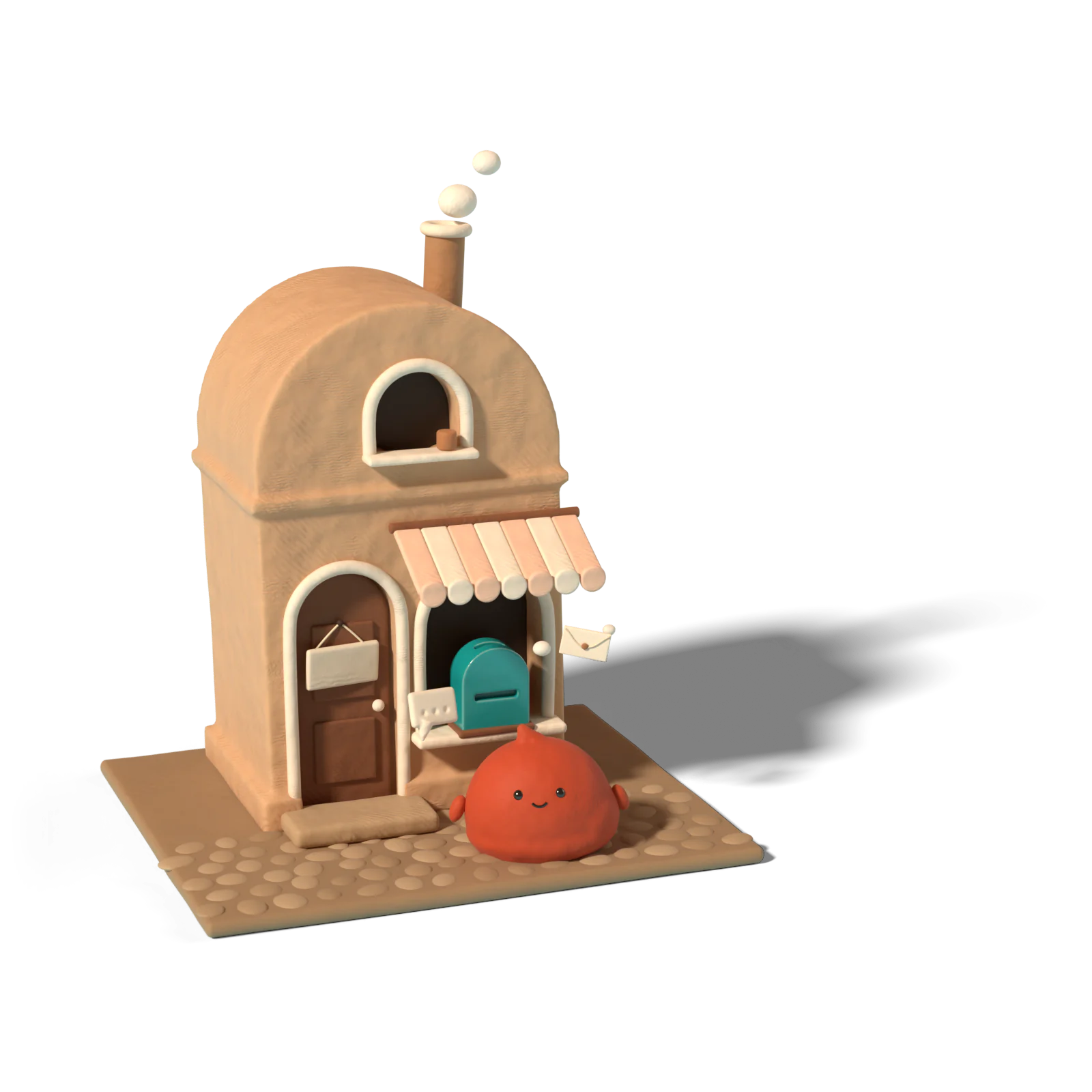
Each shop has its own Instagram account and automations.

Each shop has its own wallet, payouts and ID check.
What agencies use it for
- Launches. A new course or program for each client, with its own sales page and AutoDM on the launch reels.
- Shop upkeep. Pages, products, discounts and review replies across every client, from one chat.
- Moving clients over. Past orders and reviews come in from a CSV file. Courses from Msaaq we import for you.
What each client pays
Each shop is its own account with its own plan, and 6% a sale with card fees included. Payouts go to each creator’s own bank account, after their own ID check. There’s no agency discount or bulk plan today. Use the fee calculator to show a client what they’d keep.
How the Claude connector fits
Add The Creators Company to Claude or ChatGPT once. Then, in one conversation:
- “List my shops.” You see every shop you can manage.
- “Switch to Chloe’s shop and add a 4-week meal plan product at $25.” It does the clicking.
- “Write a sales page for it, and reply to last week’s reviews.”
It won’t set up AutoDM or change a community yet. Those stay in the dashboard.
What we don’t do yet
No client billing, no white label, no way to remove the “Powered by” line and no team roles beyond admin. We talk to agencies directly, so tell us what you need before you move a client.
Questions people ask
Is there one bill for all my clients?
No. Each shop is its own subscription, and there's no client billing.
Can I white-label the shops?
No. Every shop shows a “Powered by” line, on every plan.
Can I give my team limited access?
You can add admins: 1 on Basic, 3 on Growth. Roles beyond admin aren't enforced yet.
Can Claude set up AutoDM for a client?
Not yet. From the chat you can build pages, products, courses and discounts, and answer reviews. AutoDM and communities are set up in the dashboard.
Can you move a client's courses over from another platform?
From Msaaq, we import the courses for you. From other platforms, you rebuild the lessons, and you can import past orders and reviews from a CSV file so earlier buyers keep their access.
Read next
- GuideClaude for Creators: Run Your Shop From a ChatClaude for creators: connect your shop once, then build pages, add lessons, make discount codes and answer reviews by chatting. What works and what doesn't.Read
- GuideStan, Gumroad, Kajabi Fees Compared: What You KeepCreator platform fees compared: Gumroad, Stan, Payhip, Kajabi, Whop and more, with plans, per-sale cuts, card fees and what you keep from a $100 sale.Read
Weighing it up against another platform? See the comparison.