Sell community access
Sell access to your paid community.
A paid online community on your own domain: a members' feed, points, levels and a classroom for your courses. People pay once to join.
7 days free, no card.
Your best people are scattered across three apps
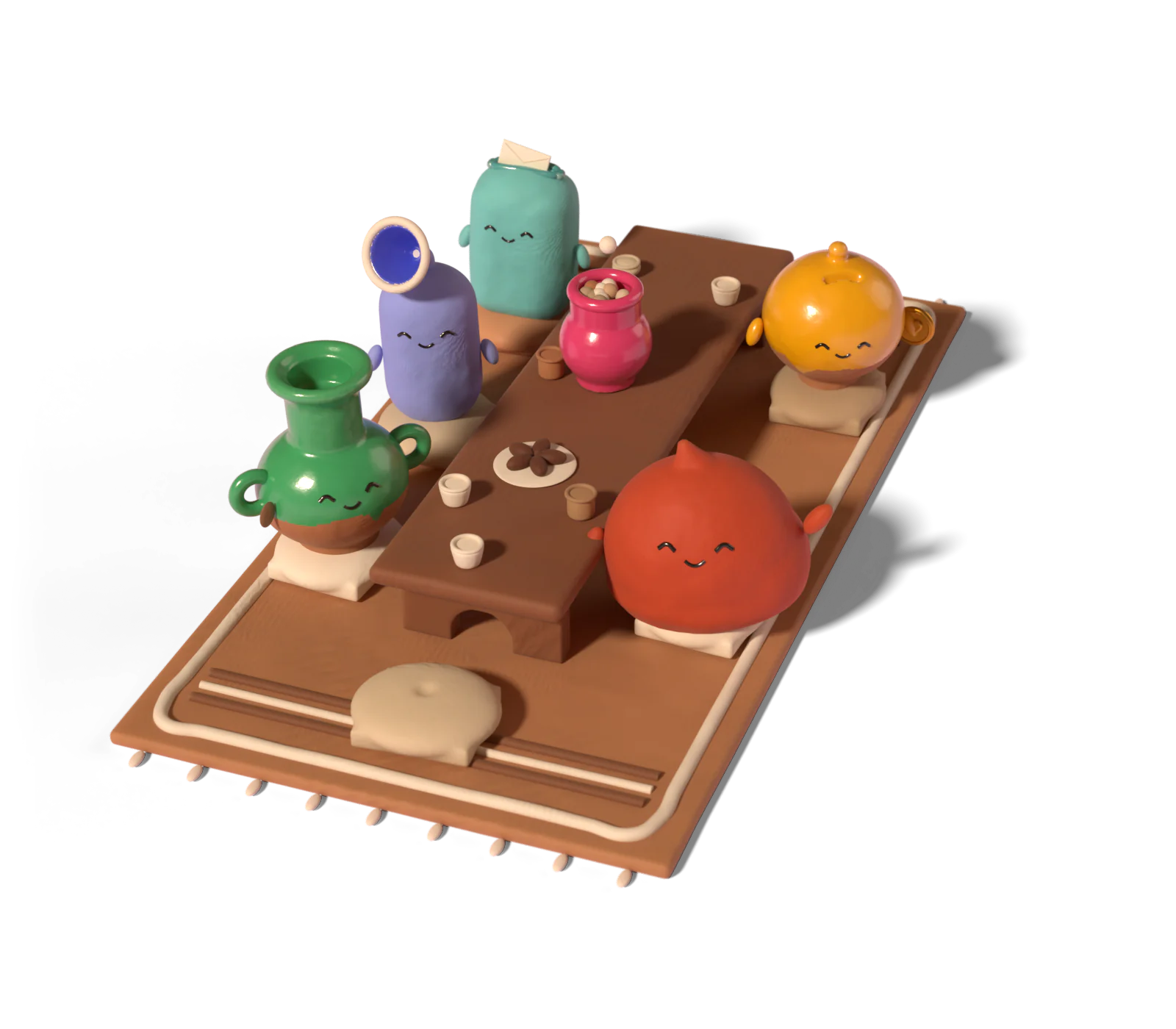
Buyers sit in one tool, the chat in another and your courses in a third. Nobody can find anything, and each tool sends its own bill.
How it works, in three steps
- 1 Open the community Name it, set categories and decide who can post where. Make it free, pay once to join, or request to join.
- 2 Fill the classroom Attach your courses. Each one comes with the seat, opens at a level, or is bought separately.
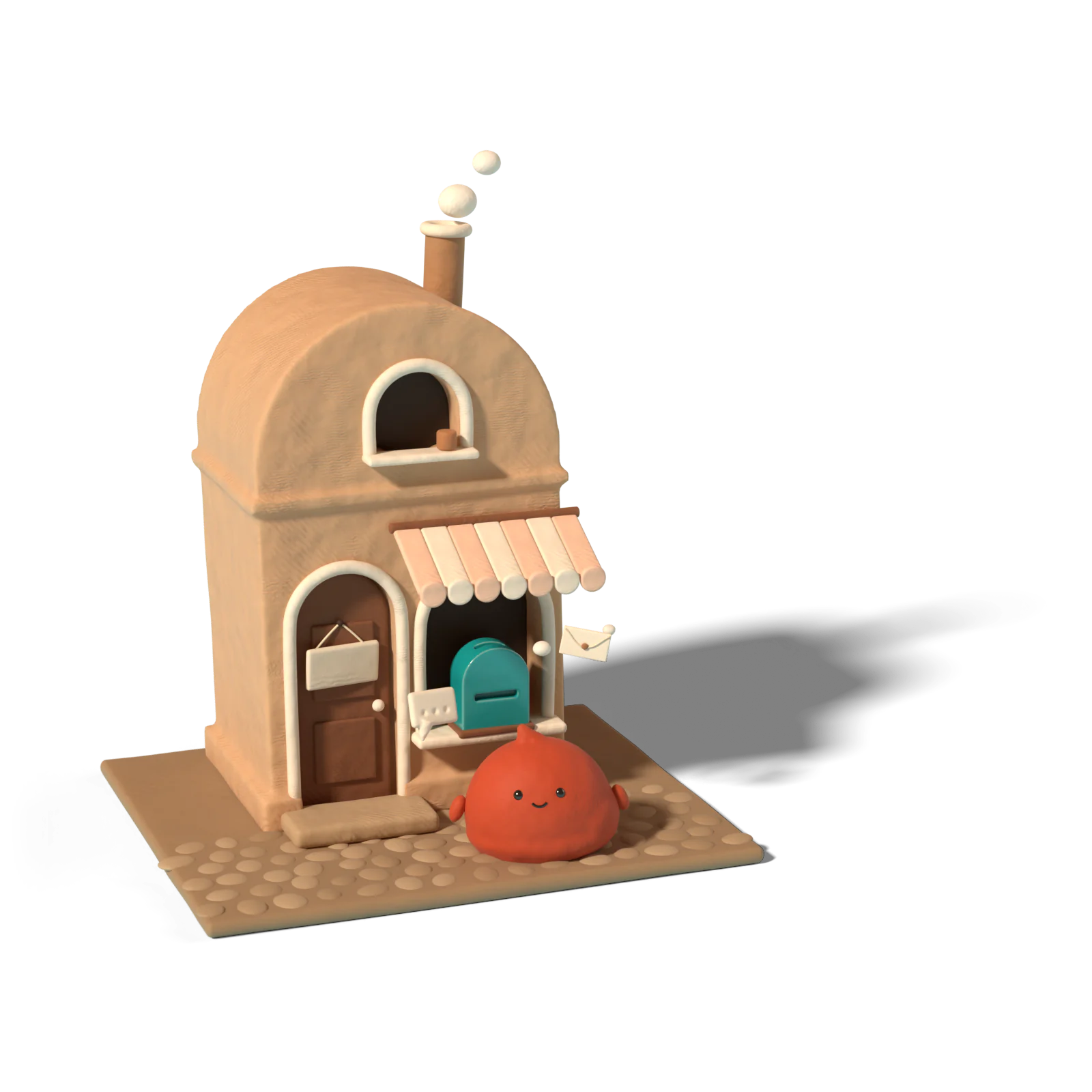
- 3 Share the join page Visitors see what's inside, how many members there are and a join button.
An example
Nora, a ceramicist in Utrecht
Nora opens a community for new potters at $79 to join, with her glazing course in the classroom. 45 people join in the first month: $3,555. She pays 6% a sale, card fees included.
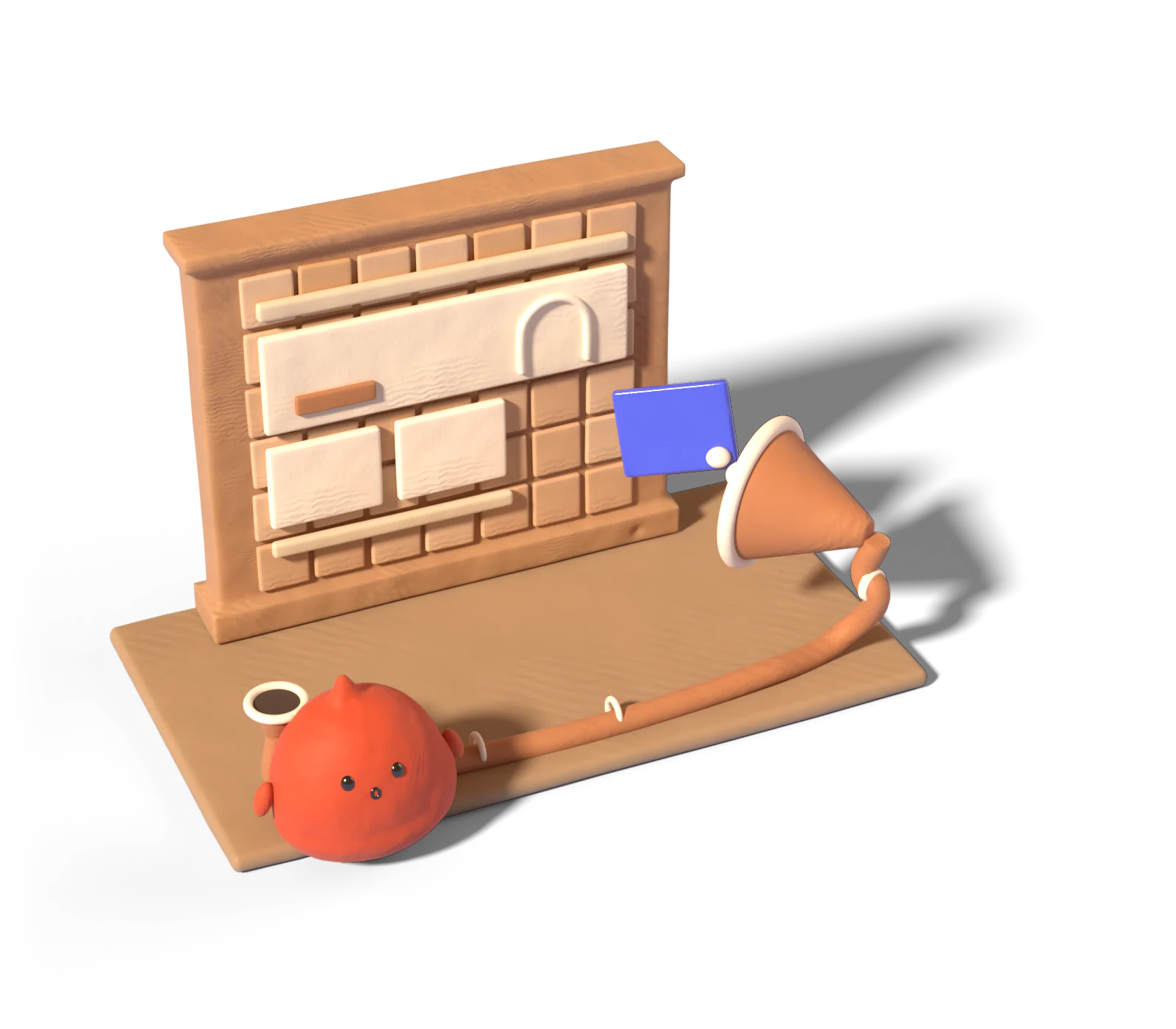
Nora opens a community for new ceramicists, with categories for each skill.
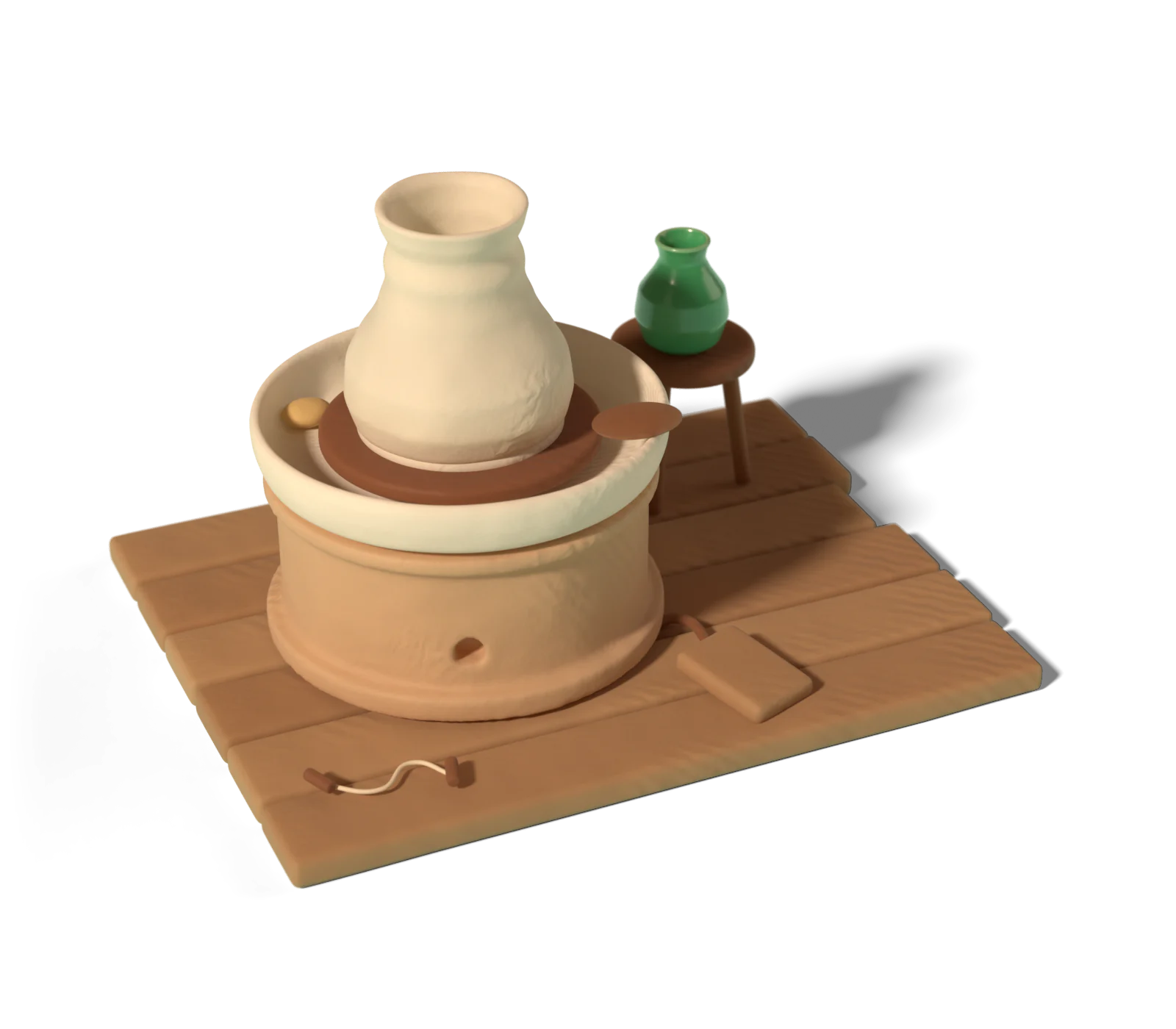
Her glazing course goes in the classroom, included with every seat.
Visitors see what’s inside, how many members there are and a join button.

Members pay once to join. Payouts land on the 1st.
What to sell
- A paid group around one skill. Pottery, running, Spanish, bookkeeping for freelancers.
- A group that starts together. Everyone joins in the same month and works through your course in the classroom.
- A course with a community. Sell the course on its own, and the community with the course included.
- A free community that leads to paid courses in its classroom.
Price ideas
Join prices are paid once, so price for the whole thing, not for a month of it.
| Community | Starting price | Why |
|---|---|---|
| Free, with paid courses inside | $0 | Fills the room. Courses open by level or by purchase. |
| Group without courses | $29 to $79 | For people who want the people more than the lessons. |
| Group plus a course in the classroom | $99 to $299 | The course comes with the seat. |
The guide to starting a paid community covers how to fill it in the first month.
How the community works
- Feed with categories. You set them, and who can post in each. Threaded replies, likes, pinned and locked posts.
- Points, levels and a leaderboard. Members earn points when others like their posts.
- Classroom. Your courses in one place inside the community. Locked cards show what it takes to open them.
- Join modes. Open, paid, or request to join with your approval.
It’s on Growth, and the full list is on the community page. If you sell from Instagram, AutoDM can send the join page to everyone who comments on a reel.
What we don’t do yet
No monthly or yearly memberships, no images, video, polls or events in posts, no member DMs and no custom level names. If recurring billing is the business, we’re not the right fit yet. Skool alternatives compares the tools that do bill monthly, with dated prices.
Questions people ask
Can I charge a monthly membership?
Not yet. A community is free, pay once to join, or request to join. There are no subscriptions.
Which plan includes communities?
Growth, at $79 a month. You can run more than one community from the same shop.
Can members post photos or videos?
Not yet. Posts are text, with threaded replies and likes.
How do I keep it friendly?
Mute, ban, hide posts, lock threads and resolve member reports from your dashboard. Moderators can help.
Will members come back?
Each member can get a daily or weekly email digest of new posts, at the frequency they pick.
Read next
- GuideHow to Start a Paid Community (and Keep It Alive)How to start a paid community: find the first 20 members, write the promise, pick one-time or monthly pricing, set up categories and plan the first 30 days.Read
- GuideHow to Sell an Online Course (Even Without a Following)How to sell an online course, even without a following: test demand before you film, choose where to sell, set a price and find your first 20 students.Read